
01 / The challenge
A small physical task. A large coordination problem.
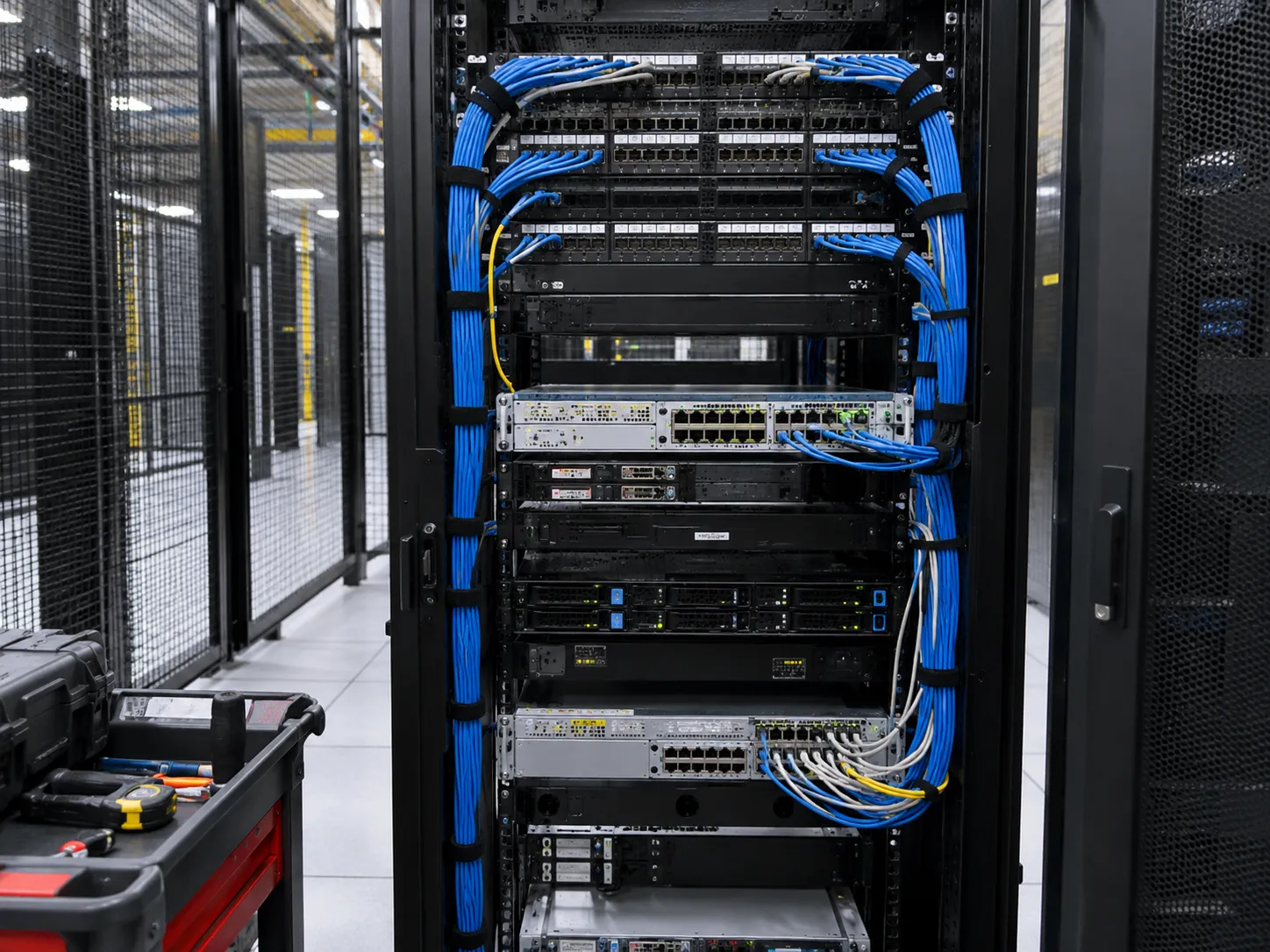
Sending a senior network engineer to every remote facility is expensive, yet an unbriefed technician is not a sensible alternative. A remote team can see telemetry, but it cannot confirm that a patch lead sits in the intended port or that a chassis indicator looks as expected.
Neighboring servers and network devices sit next to the work scope.
Access lists, escorts and cross-connect work belong to the colocation operator.
Configuration and logical testing stay with the integrator’s engineer.
02 / Delivery model
Five stages. One controlled maintenance window.
Each phase is summarized below. Open any step for the underlying delivery detail.
- 01
Scope & permissions
Agree rack identifiers, equipment list, port maps, sequence and access rights before the window.
Read technical detail +−
The remote lead prepares a method of procedure with cage and cabinet identifiers, diagrams, part numbers, tools and the approved sequence. The coordinator confirms who may request access, whether the engineer must be named on an access list and whether the activity conflicts with facility power, cabling or escort rules.
- 02
Verify first, act second
Read back device labels to the remote lead and compare the real cabinet with the diagram.
Read technical detail +−
At check-in the engineer follows the building access process, confirms the rack location and records baseline indicator states. If the rack looks different from the plan, that is useful information—not an invitation to guess. The remote lead decides whether to update the plan, request photos or suspend the task.
- 03
Execution in an approved sequence
Start with low-risk checks, then perform each physical change only after explicit approval.
Read technical detail +−
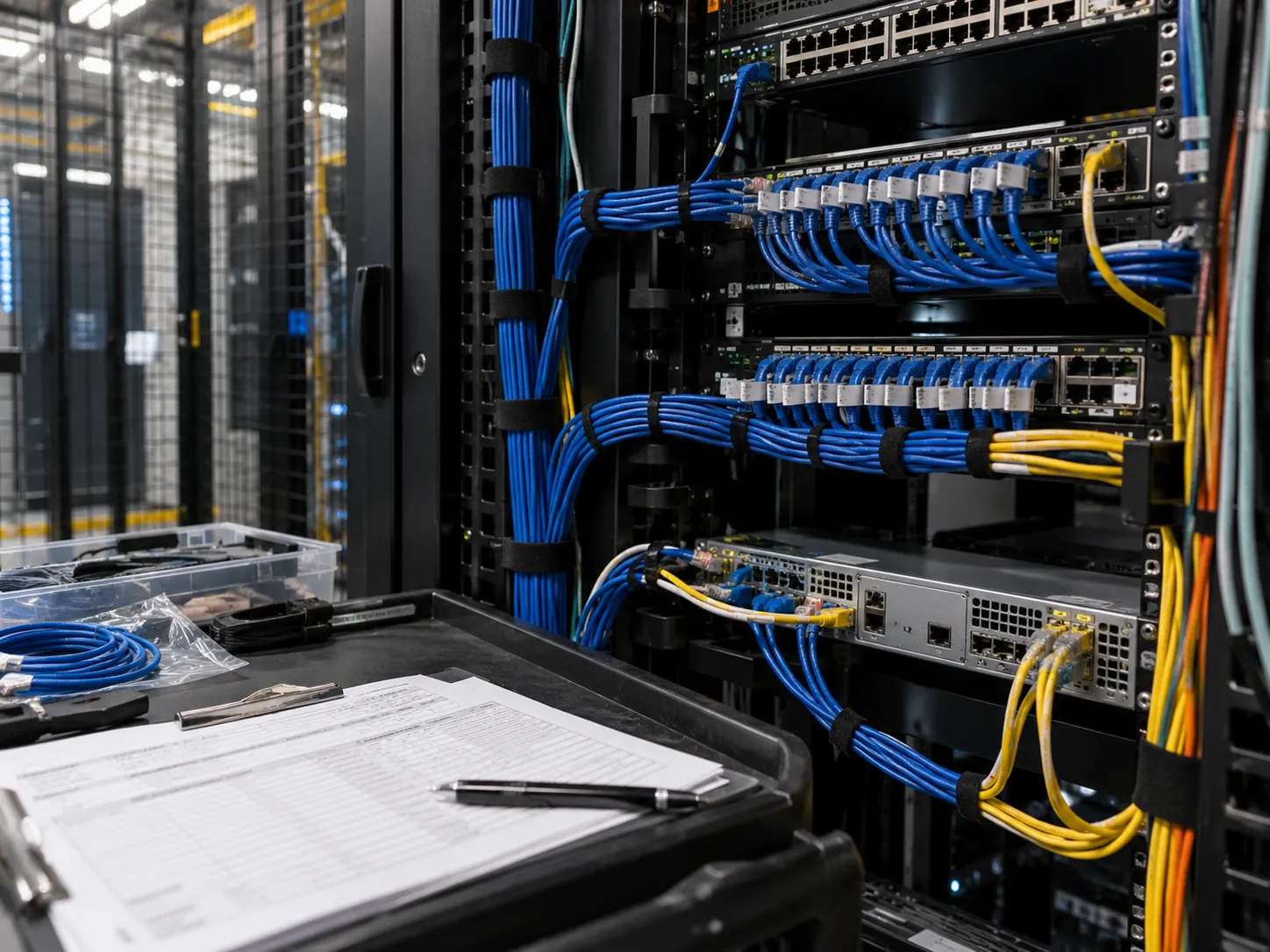
Photos, rack-unit positions, patch-panel labels and serial numbers come first. For a cable move the remote lead names both endpoints; the engineer identifies the lead, receives approval and performs one documented change. Electrical or specialized facility work stays with an appropriately authorized party.
- 04
Remote validation
The engineer confirms physical state; the integrator validates interfaces, routing and services.
Read technical detail +−
A “link up” light alone does not prove application health. Acceptance separates physical checks—port status, cable seating—from the system-level verification the integrator performs. Each party signs off only on what it actually checked.
- 05
Evidence & closeout
Hand over one consistent record of tasks, approvals, photos and open exceptions.
Read technical detail +−
The coordinator logs timestamps, approvals and scope changes. Photos are limited to what is necessary and shared through an approved channel. The facility access record, task checklist and change ticket should tell the same story of what happened.
03 / Roles & responsibilities
Smart Hands extends technical ownership. It doesn’t replace it.
In the illustrative model, the integrator keeps design, credentials and the change plan. The local engineer performs only the defined, authorized physical tasks.
Change plan · configuration · approvals · logical testing · privileged credentials
Inspections · labeled cable moves · approved hardware installs · permitted photos · task records
What if the patch map does not match the rack?
The work order asks for a lead from panel B-12 to appliance port 3, but B-12 already feeds a different active device. The engineer does not disconnect it to follow the paperwork. The remote team checks whether the record is stale; with a corrected map and approval the task proceeds, otherwise it stays open with a documented reason.
04 / Closeout evidence
A closeout file both teams can trust.
A proposed closeout would show which physical tasks were done, which logical checks the integrator completed and which exceptions need follow-up. These are example deliverables, not verified results.
05 / What buyers should know
Flexibility without surrendering control.
A remote team can concentrate on design and diagnosis while a qualified local person completes the tangible tasks a remote session cannot. It works best when on-site tasks are small, clearly bounded and supported by a responsive remote lead.
What to include in a Smart Hands request
The exact facility, cabinet and authorized requester; ID or escort procedures; target devices and tasks; access window; available parts and tools; handling constraints; change reference; remote bridge contact; and the definition of a completed ticket. Settle photo permissions and security limits in advance.
What Smart Hands is not
It does not automatically mean network architecture, unrestricted configuration changes, live electrical work, asset disposal or handling protected customer data. Work involving live power, heavy equipment or customer data needs an explicit risk review before a field team is assigned.
Read the complete case studyFull narrative · for readers who want every detail
When a network operations center manages infrastructure inside a distant data center, a small physical task can create a large coordination problem. Someone must be at the rack, but that person should not need broad access to the client’s systems or authority over the change plan. This hypothetical Smart Hands scenario describes how a fictional technology partner might use authorized on-site assistance to complete a series of carefully sequenced physical tasks while remote specialists retain technical control. The anonymous company, location, environment, quantities and outcomes are invented as a demonstration of an operating model.
The Setting
A fictional cloud and infrastructure integrator has colocated equipment in a third-party facility located several hours from its internal engineering team. It plans a weekend maintenance window to replace two rack-mounted network appliances, verify cable labeling, install additional patch leads and gather cabinet photographs for its asset records. Six servers and several neighboring network devices share the same racks, so careless handling could affect systems outside the immediate work scope. The integrator’s network engineer controls configuration and logical testing remotely. The colocation operator manages building access and facility rules. A Smart Hands provider would perform the approved physical actions inside that carefully defined division of responsibility.
The Business Problem
Sending a senior network engineer to every remote facility for cabling and visual inspection is expensive in time, especially when travel is disproportionate to the hands-on task. Yet assigning an unbriefed technician is not a sensible alternative. A remote team can see device telemetry, but it cannot confirm that a particular patch lead is connected to the intended physical port, that a fan module is seated properly or that a chassis indicator looks as expected. The organization needs a structured bridge between remote expertise and local execution. The trust relationship depends on precise instructions, permission boundaries and evidence, not simply technician availability.
What is and is not Smart Hands
In this scenario, Smart Hands means technician presence for defined, authorized tasks such as inspecting device indicators, tracing labeled patch leads, photographing rack positions where permitted, installing non-energized equipment under an approved plan, and connecting designated cables. It does not automatically mean independent network architecture, unrestricted configuration changes, live electrical work, disposal of assets or handling protected customer data. Technical responsibility remains with the integrator. Facility staff may need to approve access, lifting, loading or cross-connect activities. These distinctions belong in the statement of work because ambiguity at a colocation rack can lead to security issues, service interruptions and disputes over who authorized an action.
Before the Window: Scope and Permissions
The remote lead prepares a method of procedure containing rack location, cage or cabinet identifiers, a clear equipment list, front-and-rear photographs or diagrams, port maps, part numbers, tools and approved sequence. The plan identifies the exact window, expected participants and a communications channel that works inside the building. The local coordinator confirms whether the integrator is authorized to request access for the engineer and whether the provider needs to be named on an access list. The team also checks whether the requested activity conflicts with the facility’s own power, cabling or escort rules. No task should proceed solely because it appears in an emailed checklist.
Verify First, Act Second
At check-in, the on-site engineer follows the building’s access process and confirms the rack location using permitted identifiers. Before any connector is disturbed, the technician reads back the target device labels to the remote lead and compares the actual cabinet state with the supplied diagram. If the rack looks different, that is useful information—not an invitation to make a guess. The remote lead can decide whether to update the plan, request more photographs, or suspend the activity pending review. The technician records baseline indicator states and confirms that the hardware available at the location matches the approved manifest. This two-person verification reduces the likelihood of acting on the wrong device.
Execution in an Approved Sequence
The procedure begins with lower-risk verification tasks: capturing permitted photos, checking rack-unit positions, confirming available patch-panel labels and reconciling equipment serial numbers. Only after the remote lead accepts those observations does the physical change stage begin. For a cable move, the remote lead specifies an endpoint and confirms the far-end reference; the engineer identifies the lead, receives explicit approval and performs the single documented change. For hardware replacement, the sequence must account for device weight, rail compatibility, redundant connections and manufacturer instructions. Where a task requires electrical or specialized facility work, an appropriately authorized party must perform it. The Smart Hands engineer never substitutes improvisation for a formal change.
How Remote Validation Works
The remote network team watches the agreed management and service indicators, while the on-site engineer provides visual confirmation and physical checks. A “link up” display on a switch alone does not prove application health, so the acceptance criteria separate basic physical validation from system-level verification. The technician might check labeled port status and cable seating; the integrator might validate interfaces, routing, firewall policy or service reachability. Each party signs off only on what it actually checked. This split avoids the tempting but inaccurate statement that the on-site technician independently certified every network service. It also makes the closeout evidence more credible to the integrator’s client.
Exception Scenario: a Mismatched Patch Map
Imagine that the work order identifies a replacement patch lead running from panel B-12 to appliance port 3, but the cabinet photograph shows that B-12 is already feeding a different active device. The Smart Hands engineer does not disconnect it merely to follow the paperwork. Instead, the technician shares the observed labels and waits. The remote team investigates whether the record is stale or the rack has changed since the last survey. If a corrected map and approval are available inside the window, the team can proceed. Otherwise, the task remains open with a documented reason. The difference between a controlled exception and an unrecorded shortcut is fundamental to risk management.
Security, Evidence and Chain of Communication
A competent Smart Hands process defines who may see rack photographs, configuration screens, equipment serials and access records. A photo can reveal customer names, IP labels, badge information or other sensitive details. The engineer should capture only what is necessary, use an approved transfer channel and avoid personal messaging accounts where prohibited. The coordinator logs timestamps, approvals and scope changes, while the remote specialist retains responsibility for privileged credentials. If a device must be removed, custody and transport are handled under an explicitly authorized process. At the end of the window, the facility’s access record, task checklist and integrator’s change ticket should tell a consistent story of what happened.
Outcome
In this fictional engagement, the integrator receives a consolidated closeout file showing which physical tasks were carried out, which logical checks its own team completed, and which exceptions require follow-up. The two target appliances have agreed installation records, cable connections are captured in an updated port map, and the remaining rack environment is represented by permission-appropriate photographs. These are illustrative deliverables, not claims of actual flawless execution, zero disruption or measured cost savings. In a real case, service logs, approved change tickets, facility access records and asset-management exports would be used to substantiate any results before publication.
What the Partner Gains
The important benefit of a disciplined Smart Hands model is flexibility without surrendering control. A remote team can concentrate on design and diagnosis while a qualified local person completes the tangible tasks that cannot be performed through a remote session. This can be particularly valuable for infrastructure partners supporting multiple colocation sites, emergency diagnostics or planned changes in regions where they do not maintain full-time staff. The service is most useful when on-site tasks are small, clearly bounded and supported by a responsive remote lead. More complex troubleshooting should be scoped separately rather than squeezed into a generic hourly request.
Buyer Checklist for a Smart Hands Request
To prepare an effective request, the buyer should specify the exact facility, cabinet and authorized requester; required ID or escort procedures; target devices and tasks; access window; available parts and tools; safe handling constraints; network change reference; remote bridge contact; and definition of a completed ticket. The buyer should also distinguish between simple visual inspection, physical manipulation of a device and work that needs special training or facility permission. Photographic permissions and security limitations should be settled in advance. If the task involves live power, heavy equipment or customer data, an explicit risk review is necessary before the field team is assigned.
The Larger Lesson
Smart Hands is not a substitute for technical ownership; it is a means of extending that ownership into a physical location. The most convincing service story is therefore not “a technician visited a data center,” but “an authorized local engineer followed the remote team’s change plan, documented the work and escalated exceptions before they became incidents.” That is what this example is designed to demonstrate. It gives prospective MSPs and integrators a concrete way to evaluate the process, communication and controls needed for their own facility support arrangements, while remaining clear that the scenario itself is fictional.