

01 / The challenge
Several timelines. One opening day.
Furniture can slip, outlets may be labeled inconsistently and hardware may arrive before access passes. The asset register may know the user but not the desk. The goal is readiness on the first working day—not retiring old equipment.
Seating plans, desk IDs and assigned devices must line up.
Network ports, power and furniture rarely finish at the same time.
Flexible desks and meeting rooms need their own acceptance rules.
02 / Delivery model
Five stages. From floor plan to first login.
Each phase is summarized below. Open any step for the underlying delivery detail.
- 01
Deployment blueprint
Collect floor plans, desk IDs, seating data, device inventory and readiness status before dispatch.
Read technical detail +−
A standard work-point template records desk ID, allowed device model, displays, dock, peripherals and the expected connectivity test. The client defines what the field team may touch—identity settings and network changes stay with remote administrators.
- 02
Wave one: pilot cluster
Prepare a small set of desks first and turn every finding into a fix before the main rollout.
Read technical detail +−
Engineers match the plan to physical desk numbers, record serials and connect peripherals to the standard. The pilot exposes practical problems—an incompatible display adapter, a dead network port, a dock cable that is too short—before they repeat across the floor.
- 03
Wave two: standardized setup
Work through areas in a fixed order; every desk is ready, ready with exception, or blocked.
Read technical detail +−
Each workstation gets its labeled accessories, connections and basic local checks, then is reconciled against the inventory and desk plan. A desk is not counted as complete just because a monitor powers on. Flexible desks are tested with a representative device.
- 04
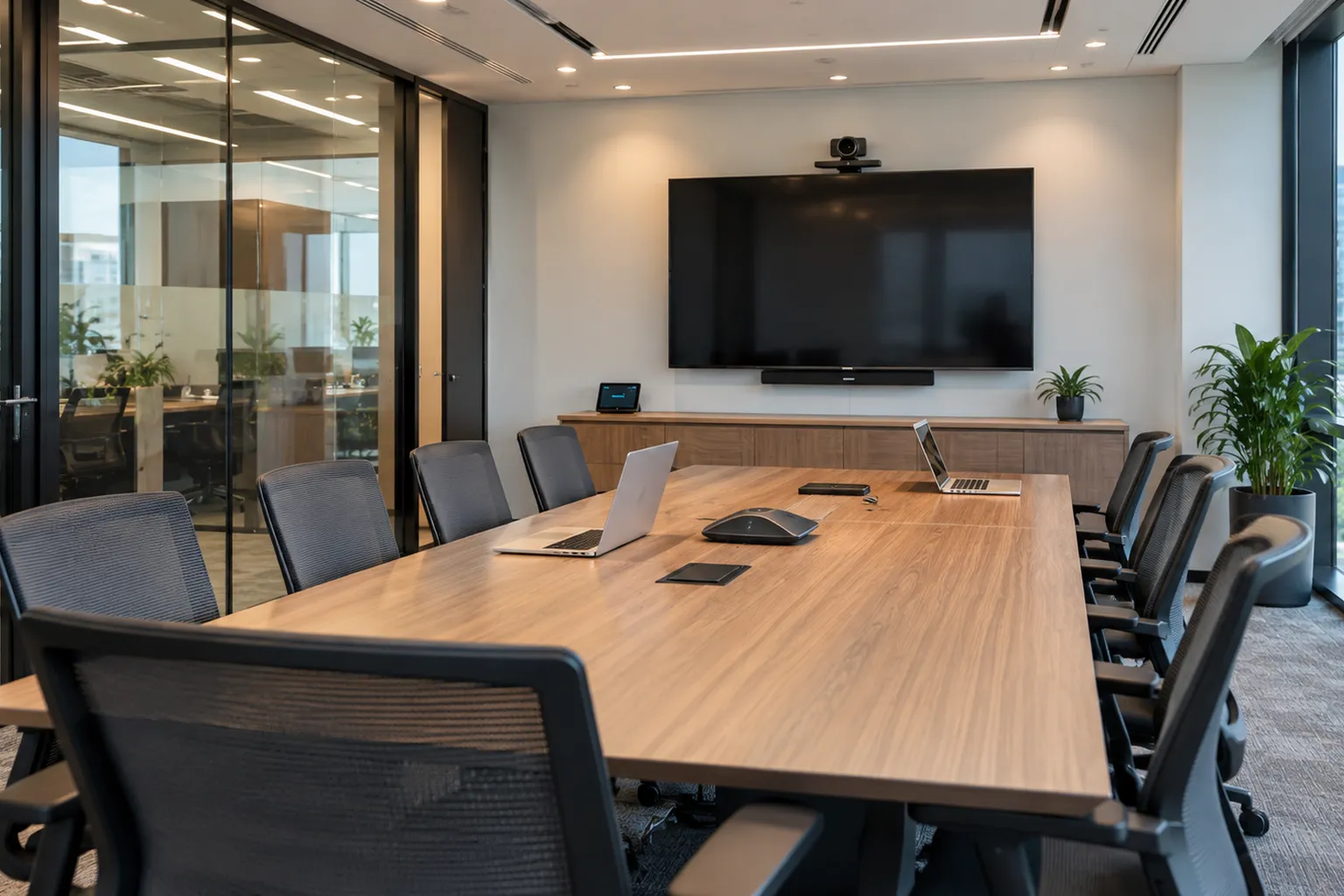
Meeting-room readiness
Verify placement, cabling, display, camera and audio, then hand the room to the platform owner.
Read technical detail +−
The site team checks physical installation and connections; the MSP or conferencing owner validates accounts, calling features and room configuration. One room can pass physically and still fail a login check—the report keeps those outcomes separate.
- 05
Acceptance & day-one support
Accept each desk only when physical, local and remote checks are signed off and recorded.
Read technical detail +−
The coordinator compiles a desk-by-desk and room-by-room readiness list. Day-one support uses the same list to separate known issues from new tickets, with an agreed escalation route to the MSP. A recurring peripheral issue is fixed in the kit standard, not desk by desk.
03 / Roles & responsibilities
Physical setup on site. Identity and policy remote.
In the illustrative model, the MSP keeps security policy, user permissions and software. The local IMAC team makes the physical office usable and documents the work.
Device enrollment · identity and access · software deployment · logical network troubleshooting
Desk setup · peripherals and docks · meeting-room hardware · asset reconciliation · readiness list
What if a priority desk gets the wrong dock?
The dock allocated to a pilot employee’s desk has the wrong connector for the approved laptop. The technician logs the discrepancy instead of substituting an unapproved device. If a compatible dock cannot arrive before opening, the desk is marked blocked—or approved with a disclosed workaround—with a named owner and follow-up date.
04 / Closeout evidence
A readiness list the whole team can use.
A proposed handover would show which desks and rooms are ready, which checks were done and which issues sit with facilities, the MSP or a specialist. These are example deliverables, not claimed success rates.
05 / What buyers should know
IMAC is about usable work points, not just installed hardware.
An MSP can configure endpoints remotely, but someone still has to match assets to desks, connect approved kits, adapt to real floor conditions and document the work. That is what makes an office opening predictable.
What a useful IMAC brief includes
Site and building access, opening date, workstation and meeting-room counts, the seating map, the device kit standard, network readiness, any lift or specialist installation needs and the owners of logical tests. Confirm whether packaging removal, cable tidy-up, asset reconciliation and day-one support are in scope.
Assigned vs. flexible desks
Assigned desks are accepted against a named user and device. Flexible desks have no single owner, so they are tested with a representative device and documented interface assumptions rather than claiming compatibility with every laptop.
Read the complete case studyFull narrative · for readers who want every detail
A fictional professional-services business is opening a new satellite office for a growing hybrid team. Unlike a company relocating its old laptops and desks between buildings, this project centers on installing, adding and configuring an approved technology environment for new employees, shared meeting rooms and expanding teams. The fictional client has leased space but has not yet populated the desks or verified the desk-to-network assignments. Its MSP owns endpoint policies, identity configuration and remote systems administration. A local IMAC team would implement the physical install, move, add and change tasks according to approved workplace plans. The example is intentionally hypothetical and is not evidence of actual DacoreIT project delivery.
The project setting
The planned office has 85 assigned workstations, 12 flexible desks, four meeting rooms and a reception area. The opening is scheduled over two staged waves: a small pilot group tests the space, followed by the main employee intake. The client wants a consistent user experience across different desk types. A standard workstation is expected to have an appropriately assigned device or docking setup, connected displays, tested peripherals and a reliable network connection. Meeting rooms need connected displays, cameras and audio peripherals that are documented and ready for the client's conferencing platform. These quantities are illustrative scope assumptions, not metrics achieved by DacoreIT.
Business objective: readiness, not retirement
The customer's critical outcome is operational readiness on the first working day. Team members should find desks that correspond to the approved seating plan, have the correct peripherals and be able to complete agreed sign-in and collaboration checks. This is fundamentally different from an IT asset disposal project. Nothing is being sent for wiping, destruction, recycling or resale as the central service. Equipment is being brought into productive use or reconfigured for an active employee. A successful IMAC handover measures whether an assigned work point is ready for use and whether its outstanding issues have a named owner, rather than whether a retired asset has reached a final disposition.
Why the project is difficult
A new workplace combines several timelines that rarely move together perfectly. Furniture installation may slip, wired network outlets may be labeled inconsistently and hardware may arrive before access passes have been issued. The MSP's asset register may have a planned user assignment but not a confirmed desk position. A meeting room may have a working display without a compatible cable for its conferencing device. Flexible desks require a different acceptance process from assigned desks because no single employee owns them. An installation team cannot solve every issue independently: some are for facilities, some for the MSP's device management team, and others for approved audiovisual specialists or network contractors.
Preparing the deployment blueprint
Before technician dispatch, the coordinator asks for signed floor plans, desk IDs, seating and user assignment data, device inventory, peripheral kits, network and power readiness status, site access instructions and an opening-day support plan. The device list should distinguish equipment already configured by the MSP from equipment that still requires a client-approved enrollment or provisioning step. A standard work-point template records desk identifier, allowed device model, required displays, docking station, peripherals and expected connectivity test. The client should also define what the field team can and cannot touch, including identity settings and network changes that belong to remote administrators.
Wave one: a pilot desk cluster
The team first prepares an intentionally small selection of assigned and flexible workstations. At each location the engineer checks the site plan against the physical desk number, unpacks approved equipment and records serial numbers or asset labels. Peripherals are connected according to the work-point standard. Cable runs are kept tidy and clear of working surfaces, without making unapproved changes to electrical installations. The remote MSP validates device enrollment or access where relevant. The pilot identifies practical problems: a display adapter may be incompatible, a desk might lack a live network port, or the standard docking cable may be too short. Each finding is converted into a specific adjustment before the main rollout.
Wave two: standardizing workstation setup
After the pilot checklist is approved, the field team moves through work areas in a consistent order. Each workstation is prepared with its labeled assigned accessories, connections and basic local functionality checks. A separate technician or coordinator may reconcile the deployed equipment against the approved inventory and desk plan. Every workstation receives a status such as ready, ready with agreed exception, or blocked. This prevents an unfinished desk from being counted as complete because a monitor is powered on. Flexible desks are tested using an approved representative device and documented interface assumptions rather than falsely claiming compatibility with every laptop configuration.
Meeting-room readiness is its own workstream
Shared rooms require more than the same checklist used for individual desks. The site team verifies physical placement, approved cabling, display power, the specified camera and microphone connections, and the available control or conferencing interface. The MSP or conferencing platform owner validates account access, calling features and any room-system configuration. One room could pass the physical install while failing a remote login check; another could have functional video but unapproved microphone positioning. These outcomes must be separated in the report. The purpose is to avoid a misleading 'room ready' label when the end user still cannot host a meeting.
The on-site and remote handoff
For each installation group, the local engineers provide device IDs, desk references, physical observations and any local test results. The MSP's remote team handles security policy, user permissions, software deployment and logical network troubleshooting within its own remit. If an assigned employee cannot authenticate, the field engineer can verify approved basic connections and identify the device, but should not bypass access controls or alter credentials. Communication follows a shared ticket or project log so the operations lead, service desk and client can all see which tasks are awaiting remote action. This separation keeps physical installation from being confused with ownership of the user's whole IT experience.
An exception: the wrong dock at a priority desk
Suppose a pilot employee arrives for a scheduled readiness check, but the dock allocated to their desk has the wrong connector type for the approved laptop. The technician checks the kit list and stock record, then logs the discrepancy instead of silently substituting an unapproved device. The coordinator asks the equipment owner to authorize a compatible replacement or a temporary solution. If the correct dock cannot be obtained before opening, the desk is marked blocked or approved with a disclosed workaround, with a named owner and follow-up date. That scenario shows the core IMAC discipline: correct device-to-user assignment and usable work points, not the retirement of old equipment.
Another exception: a meeting room is visually complete
Imagine that a meeting room has its screen and camera physically mounted, and the install photos look polished. When the customer's conferencing administrator runs a test meeting, the room cannot join because its service account has not been provisioned. The local team confirms permitted physical connections and provides equipment identification. The remote administrator owns the account remedy, while the project tracker keeps the room in 'pending service validation' rather than 'fully accepted.' No engineer has failed merely by respecting the correct boundary. The value of a joint acceptance process is that incomplete logical work becomes visible before employees start relying on the room.
Acceptance and day-one support
A desk is accepted when its agreed physical and local checks are complete, the appropriate remote tests have been signed off and the final assignment is recorded. The field coordinator compiles a desk-by-desk and room-by-room readiness list. Day-one support can use this same list to distinguish previously known issues from new user tickets. A short stabilization window may be planned, with approved local technician availability and an escalation route to the MSP. Any proposed response time should be agreed contractually; it is not implied by this scenario. If early feedback reveals a recurring peripheral issue, the team can fix the underlying kit specification rather than improvising individual workarounds.
Outcome
In the fictional engagement, the customer receives a clear inventory of prepared desks and meeting rooms, a list of acceptance checks and an exception queue for issues requiring action by facilities, the MSP or another specialist. The business can use the information to decide which areas are ready to occupy and what arrangements are needed for the first intake of staff. The result described is the availability of a structured readiness process, not a claimed percentage of flawless installations, zero help-desk incidents or quantified time savings. Publishing this as a real success story would require actual work orders, testing records, client approval and permission to disclose outcomes.
Why IMAC matters for MSP partners
An MSP can configure hundreds of endpoints remotely, but someone still needs to make a physical office usable: matching assets to desks, connecting approved kits, adapting to real floor conditions and documenting the work. IMAC services are especially relevant during office openings, growth phases, team moves and controlled equipment changes. The discipline lies in preserving correct workplace assignments and minimizing user friction. These tasks may involve existing or new assets, but the commercial result is a functioning work environment. By keeping this focus, the story differentiates IMAC from field break/fix, data-center support and the secure retirement responsibilities illustrated in DacoreIT's separate ITAD scenario.
Questions buyers should bring
A useful IMAC brief identifies site and building access, the planned opening date, workstation and meeting-room counts, the seating map, a device kit standard, network readiness, any lift or specialist installation requirements and the technology owners responsible for logical tests. It also specifies the difference between assigned and hot-desking workstations, how user privacy is handled, and what acceptance evidence is required. The client should confirm whether packaging removal, cabling tidy-up, asset reconciliation and day-one support are in scope. These details make the deployment more predictable and allow an appropriate delivery team to assess feasibility.